Key takeaways:
- The actual gate arrival and departure times, dock assignments, trailer dwell, and yard move timestamps live in the YMS. WMS, TMS, and ERP are often provided by a carrier, which isn't the source of truth. If a carrier's EDI 214 says they showed up at 11:30, but your YMS says 12:30, your YMS is the real source of truth.
- The leaders in supply chain rely on a bi-directional system between their supply chain applications.
- YardView powers your digital truth for all yard activities within weeks, seen in your WMS, TMS and ERP if you choose.
- Purpose-built systems power modern yards; spreadsheets, clipboards, and radios are a thing of the past.
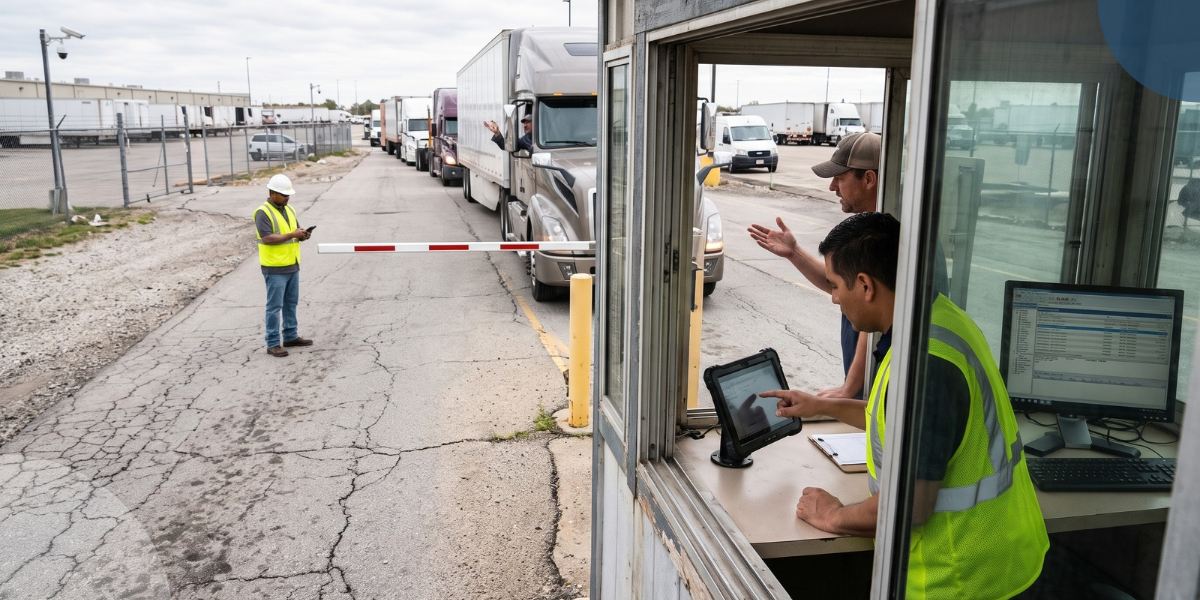
The yard is the intersection between transportation and warehousing. Warehouses touch it. Freight touches it. Gate activity and dock scheduling do too. When the systems around the yard stay disconnected, crews fall back on radios, spreadsheets, duplicate entry, and status updates that went stale hours ago. The modern digital worker no longer accepts this as "normal."
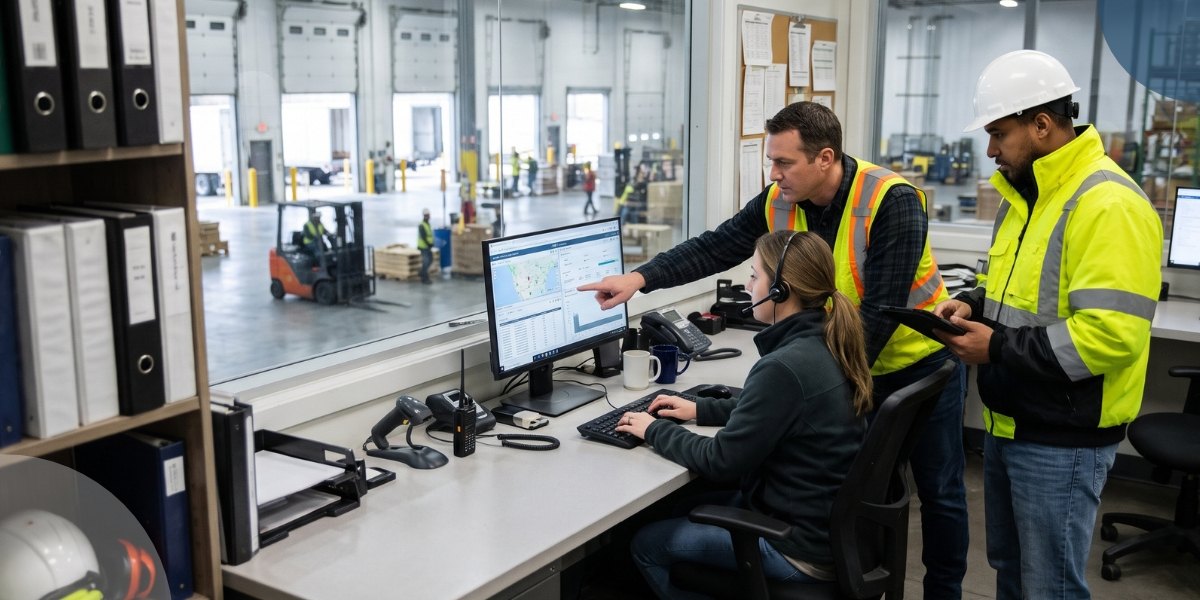
Connecting a YMS to your WMS, TMS, or ERP, typically via API, lets each system do what it does best. Your team sees which trailer checked in, which one moved out, and which dock door to assign next, without a radio call.
For VP, CSCO, and COO readers, that same data protects margins from detention and demurrage exposure and keeps compliance records current across the network.
Below, we walk through how that data moves in both directions and what to settle before go-live.
How WMS, TMS, ERP, and YMS Divide Responsibility
Each platform works best with a defined job. The WMS owns warehouse execution and load readiness. The TMS handles where the freight goes and which carrier moves it. The ERP owns commercial records and enterprise financials.
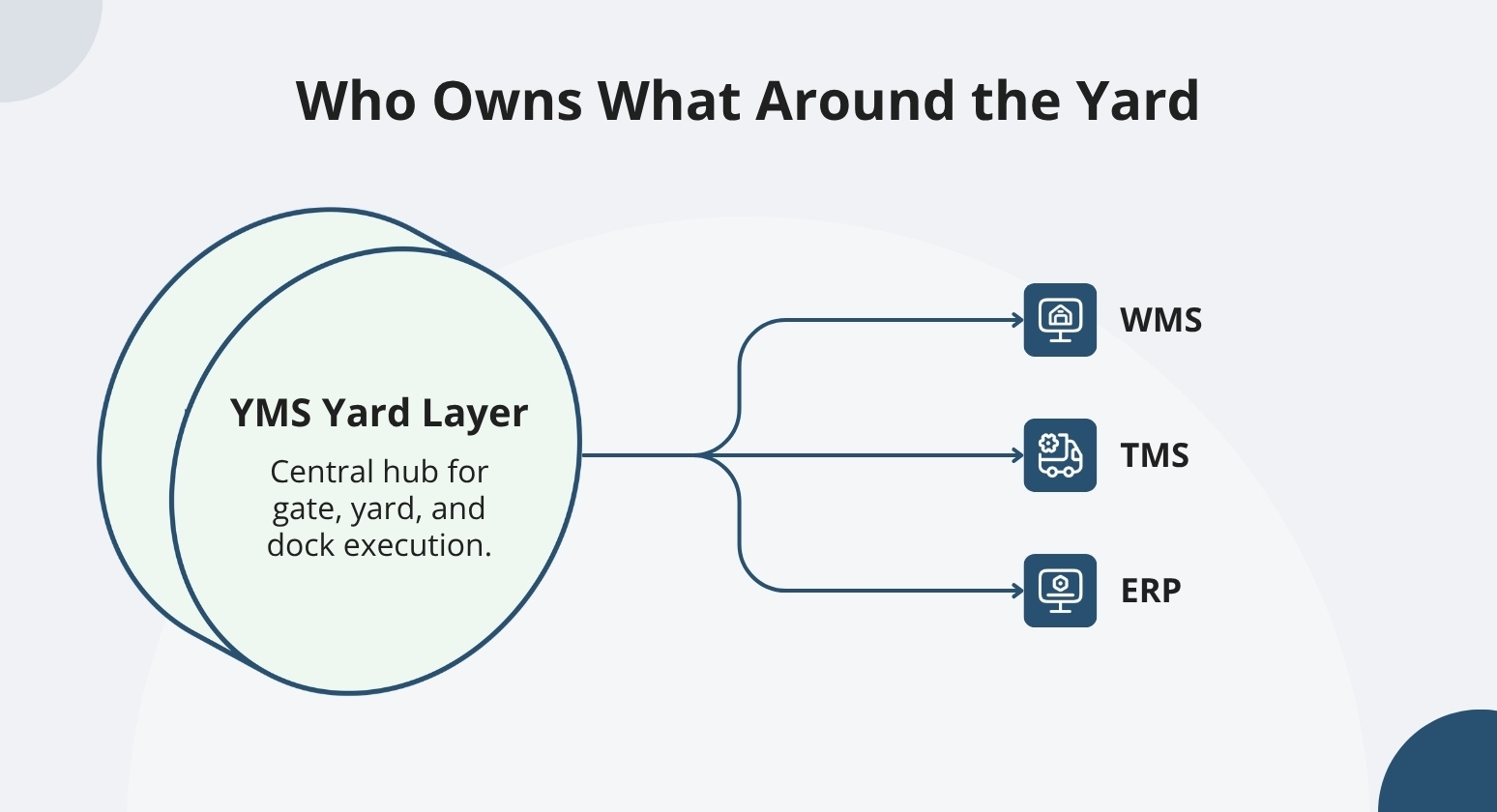
The YMS owns execution inside the gate, yard, and dock environment. The YMS connects to the TMS via API to share gate and dock status. We help you confirm those boundaries during process mapping, because they vary by operation.
Connecting systems means sharing data between platforms; it's not the same as a unified platform that combines yard and dock management in one place.
The WMS and Yard Handoff
When the WMS marks a load ready, we can trigger a yard move. That keeps spotters moving without waiting on a radio call. ASN data flows into the yard ahead of the trailer, pre-populating the appointment and matching the load at check-in.
Yard events flow back the other direction. Trailer arrival time tells the warehouse when to staff the dock. A dock-status change tells the WMS the door is clear for the next load.
The TMS and Live Shipment Status
Your TMS knows what's planned. YardView confirms what happened.
When a TMS connects to YardView via API, planned carrier details, shipment windows, and load assignments flow into the yard. If a planned arrival hasn't checked in at the gate, that signals the carrier is running late. Your team can then decide whether to hold the dock or reassign it.
When departure is confirmed, YardView sends that status back so the TMS can update the shipment record accurately.
The ERP and Enterprise-level Control
If your ERP handles billing, order status, or shipment release, those records carry real financial weight. The ERP can pass that context into the YMS so yard teams know which loads are approved to move.
The YMS then owns what happens on the ground. Gate times, dock events, and departure confirmations belong to the yard layer. The ERP should not become the operational source of truth for those physical events.
APIs, EDI, and File-based Integration
A good setup starts with matching the method to the partner. A TMS that supports REST APIs can sync order or appointment data in near real time, while a legacy AS/400 WMS that delivers flat files via SFTP may update on a scheduled batch cycle. EDI, XML, CSV, and webhooks are common patterns in carrier and enterprise environments.
Field and Event Mapping
Every deployment starts with mapping every business event and required field before development begins. Core fields include order or shipment ID, trailer or container ID, carrier, appointment, location, status, timestamps, quantities, seal information, exception codes, and moved-out indicator.
Edge cases matter just as much. Cut-off times, partial shipments, backorders, retries, and duplicate messages all need mapping. Left unmapped, any of them can cause reconciliation problems. A missing exception code, for example, may leave the WMS unaware that a load was refused at the dock.
Security and Credentials
Good setup starts with least-privilege access. Each credential should connect to only the systems and data it needs. Keep test credentials separate from production ones. A compromised test key should never reach live yard or enterprise data.
Rotate credentials on a regular schedule. Log every access event so you can catch unusual activity early. Encrypt everything in transit. Where your architecture allows it, restrict integration traffic to known network ranges.
A Rollout Plan That Avoids Integration Dependency Risk
Most go-live stalls are due to a lack of internal awareness with IT teams that will be dependent on system integration. Data and mapping are easy working sessions for your teams, but you must follow internal IT processes and involve functional subject matter experts (SMEs) from the start. YMS systems can have a multi-phased rollout where bi-directional integration happens in a second phase; include your IT teams in that decision.
Having a named Project Manager and Change Lead helps ensure success. Like any project, YMS deployments are ultimately change management projects. The technology is the easy part. Using a project tracker with a dependency register, assigning owners, setting due dates, end-to-end testing, launch plans, go/no-go decisions, and a hypercare plan will ensure every deployment succeeds.
A Phased Implementation Path
Phase 1 maps your current trailer lifecycle and builds the future-state process into the platform. The yard keeps running while the team learns the system.
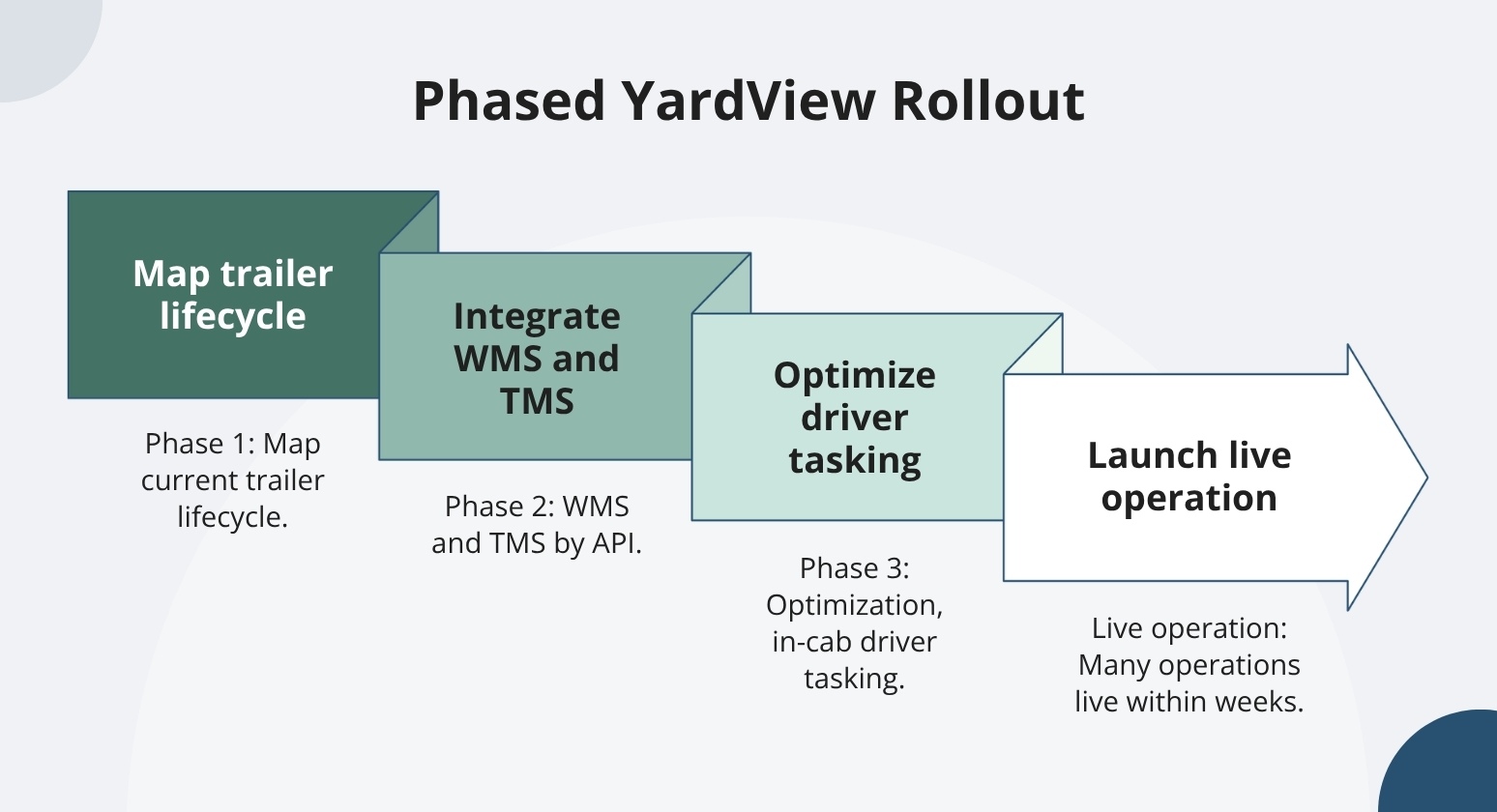
Phase 2 typically connects your WMS and TMS via API, synchronizing order, shipment, and appointment data with YardView's yard management workflows. Phase 3 adds optimization features and in-cab driver tasking. Many operations are live within four to six weeks.
Integration Tollgates
A solid project plan starts with tollgates and having a go/no-go decision at each tollgate. Source-of-truth approval, master-data reconciliation, test-message completion, exception handling, and monitoring all need a named owner and documented evidence.
Add user acceptance, partner sign-off, and a rollback rehearsal to that same list. If your workflow includes custom logic, plan for more time beyond what a straightforward setup takes. Rushing a gate removes the protection you need when something fails in production.
Operational Continuity During Cutover
The yard does not have to stop while you add connections. We help you maintain visibility and existing processes through Phase 1, so gate check-ins, dock assignments, and move execution continue with minimal disruption.
If an interface is delayed or unavailable, documented manual steps keep each workflow moving. Gate check-ins continue on paper or directly in YardView. You add the TMS connection in Phase 2.
Make Your Yard the Missing Link Between WMS, TMS, and ERP
Integration projects stall when the yard stays invisible: appointments live in one system, trailer locations live on a whiteboard, and dock status lives in someone's head, leaving WMS, TMS, and ERP records out of sync the moment a driver rolls through the gate.
YardView closes that gap by acting as the real-time operational layer between the gate and the enterprise stack, so the data flowing into connected systems reflects what is happening in the yard right now.
- Cross-system scheduling: Appointments can be created directly through integration with TMS and WMS systems, with data auto-populating from connected platforms instead of being rekeyed.
- Integration-triggered move requests: Move requests generate automatically from WMS or TMS triggers, or are created manually by system users or yard drivers.
- Gate data capture at the source: Timestamped check-in and check-out transactions integrate with 3rd-party AI cameras for OCR, QR code scanning from a driver's own device, ELD integrations, and GPS geofencing to feed accurate arrival and departure data into downstream systems.
- Yard audit accuracy inputs: Lot check functionality integrates with barcode, RFID, and GPS data inputs so verified asset locations and statuses stay aligned with enterprise inventory records.
- Web-based SaaS foundation: Hosted on AWS and accessible via PC, tablet, mobile, kiosk, and in-cab devices, with training completed in one hour or less across frontline roles.
Explore YardView and see what you've been missing when the yard finally speaks the same language as the rest of the enterprise.
Frequently Asked Questions About YMS Integration
How Does Order Data Flow from an ERP into the Yard and Back Out Again?
Your ERP, WMS, or TMS connects to YardView via a CSV + SFTP file transfer or an API and sends order, shipment, ASN, appointment, or release data into the yard. We manage gate check-in, yard moves, dock activity, and departure. Departure events, moved-out status, and timestamps sync back to the system that owns the enterprise record, so your team always has an accurate status.
Should YMS Integration Be One-way or Two-way?
One-way feeds may be sufficient when a TMS or WMS owns the planning data. If your enterprise system also needs departure or exception events, use two-way synchronization. Freight audit and pay systems often want the "truth" on gate arrival and departure times, making a two-way integration beneficial for automating the FA&P process. The deciding factors are ownership, timing, and how you resolve conflicts. Not the label.
How Can a Small Team Test EDI and API Integrations?
Name a business owner and a technical owner before sending any messages. Collect anonymized sample messages next. Test the normal path first, then your highest-risk failures. Verify acknowledgments, duplicate handling, and define manual recovery before go-live.
Can a BI Tool Pull Data from a YMS?
A BI tool can connect to YardView data, but the available method- scheduled report, export, or API- depends on your deployment. Timestamped transaction history and scheduled report delivery let you track dwell trends or spot gate-turnaround spikes across facilities. Verify the export format and refresh frequency. Confirm whether your BI tool needs incremental or full pulls.